
Image Outliner
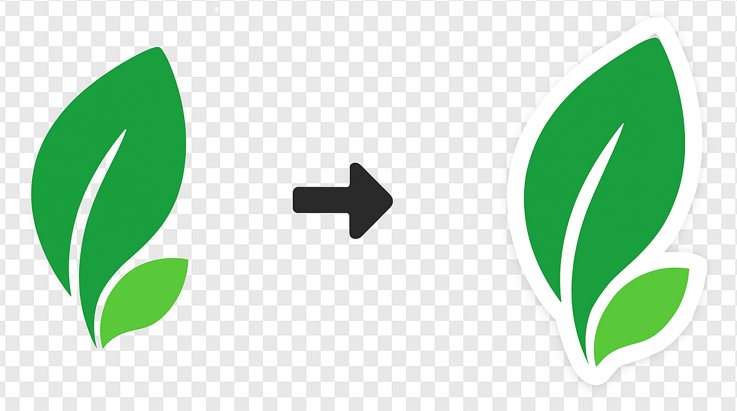
Add a clean outline around logos and images so they remain visible over any background. If no transparency exists the tool will place a rectangular border. Exports are clean (no preview grid).
Free Image Outline Generator
Create sticker-style outlines for your images instantly. Perfect for YouTube thumbnails, stickers, and digital art.
Why Use Our Outline Tool?
Instant Stickers
Turn any transparent PNG into a sticker with a smooth border in seconds
Custom Colors
Choose any color for your outline to match your brand or design
Adjustable Width
Control the thickness of the border from subtle to bold
Smart Detection
Automatically detects edges even on complex shapes (transparency required)
100% Private
Processing happens in your browser. Images are never uploaded to a server
Free Forever
Create as many outlined images as you want without watermarks
How It Works
Upload Image
Select a PNG image with a transparent background for the best results.
Customize Outline
Pick your border color and adjust the thickness using the slider.
Download
Save your new image with the outline applied as a high-quality PNG.
Perfect For
Essential tool for creators and designers
📺 YouTube Thumbnails
Make your subject pop off the background with a bold white outline
💬 Discord Stickers
Create custom stickers with clean borders that look great in dark mode
👕 Merch Design
Prepare designs for t-shirts and stickers by adding necessary bleed/borders
🎮 Game Assets
Add selection outlines to sprites and characters
📱 Social Media
Create eye-catching profile pictures and story elements
🖼️ Digital Scrapbooking
Add borders to cutouts for a paper-craft look
Common problems this tool solves
How to Add a White Border to an Image
Give your photos a clean, focused look by adding a professional white border. Great for Instagram and web design.
How to Create an Outline for an Image Online
Add a professional stroke or outline to your images. Perfect for stickers, thumbnails, and standout social media graphics.
How to Make Stickers from Photos
Turn your photos into custom stickers. Add a thick white border to any subject to create that classic sticker look.